

Server-room readiness checklist: rack, power, UPS, cooling and monitoring
KINNEX Team6 min read
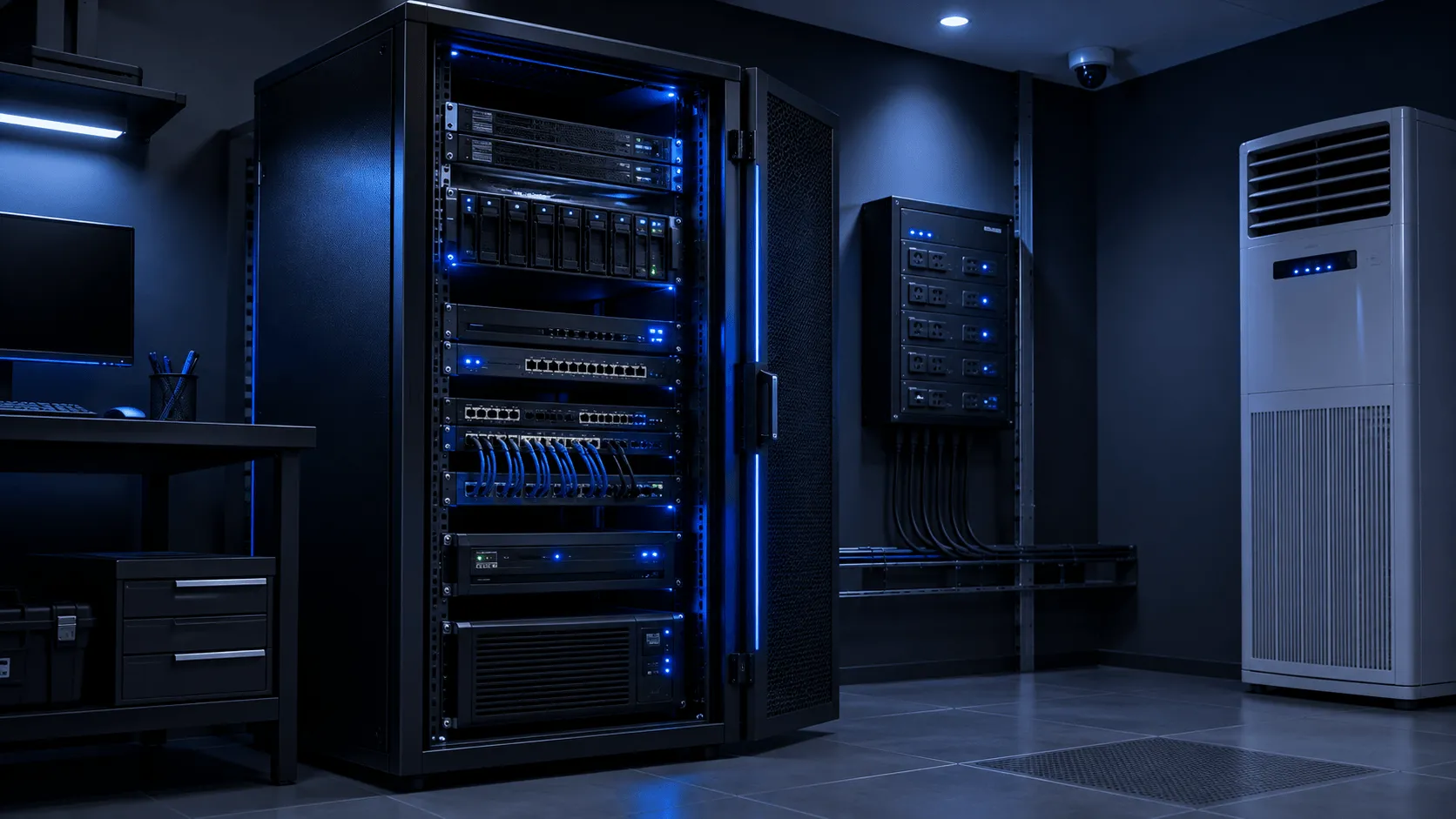
New server hardware gets specified carefully — CPU, RAM, storage, redundancy. The room it goes into often gets far less scrutiny, which is how a well-chosen server ends up throttling or shutting down within its first year.
Power
- Is there enough spare capacity on the circuit for the new load, including peak draw, not just idle?
- Is power redundant — dual power supplies fed from separate circuits — for anything business-critical?
- Are outlets and circuit breakers labelled clearly enough that someone under pressure won’t pull the wrong plug?
UPS
- Is UPS runtime actually sized for the current load, or was it sized years ago for different hardware?
- Has the UPS battery been tested recently, not just assumed to be fine because the unit powers on?
- Does the UPS talk to the servers for graceful shutdown, or will a power cut just end in a hard crash once the battery runs out?
Cooling
- Is the room’s cooling capacity sized for the heat output of the equipment actually in it today, including any recent additions?
- Is airflow managed — hot/cold aisle separation, blanking panels in unused rack space — or is hot air recirculating back into equipment intakes?
- Is there any alerting if room temperature climbs outside normal range, or would the first sign of a problem be hardware throttling itself?
Rack and physical layout
- Is there enough rack space for the planned hardware plus reasonable near-term growth, without cramming cabling?
- Is cable management in place, or does every change risk disturbing an unrelated, unlabelled cable?
- Is physical access to the room controlled and logged?
Monitoring
- Is there monitoring on power, temperature and humidity, or only on the servers themselves?
- Would anyone actually get notified before a problem becomes an outage, or only after?
Why this matters more than it seems to
None of this is exciting compared to choosing server hardware, which is exactly why it gets skipped. But a server sized perfectly for its workload will still fail if the UPS can’t carry it through a short outage, or throttle itself into uselessness if the room runs hot. A server-room readiness review is one of the cheapest risk-reduction exercises available before new hardware goes in — far cheaper than the downtime it prevents.