

Networking and Connectivity
Structured cabling, switching, Wi-Fi and routing designed as one system — not device installation in isolation.

Reference system
Symptoms
When this matters
If any of these describe your environment, this is the conversation to have.
- 01Wi-Fi coverage is inconsistent and nobody has measured where it actually fails.
- 02CCTV, guest and corporate devices share the same flat network.
- 03Cabling was never labelled or documented, so faults take hours to trace.
- 04A new site or floor needs to be added without a clear standard to copy.
- 05Remote access exists but was never properly secured or reviewed.
Scope
What KINNEX delivers
A network is the foundation every other KINNEX layer depends on — CCTV, access control, servers and firewalls all sit on top of it. KINNEX designs the topology first, so segmentation, capacity and redundancy are planned before a single cable is run, not retrofitted afterwards.
- Site survey, requirements, floor-plan review and wireless or cable pathway planning.
- Structured cabling, CAT6 or CAT6A, fibre backbone, testing, labelling and as-built documentation.
- Switching, routing, VLAN design, Wi-Fi, guest access, redundancy and secure remote connectivity.
- Rack, patch panel, UPS and cable-management coordination.
- Performance troubleshooting, heatmaps, capacity planning and multi-site standards.
Use cases
Where this shows up
Typical situations that lead an organisation to this work.
01
A new office fit-out that needs cabling, Wi-Fi and switching designed from a blank floor plan.
02
An existing network being segmented so CCTV and guest traffic no longer share a VLAN with finance systems.
03
A multi-site business standardising network design so every branch is built the same way.
Delivery method
How the work runs
Architecture before equipment. Validation before handover.
1ASSESS
Site survey, floor plans, device density and existing cabling condition.
2DESIGN
Topology, VLAN segmentation, cabling routes and Wi-Fi coverage plan.
3IMPLEMENT
Cabling, switching, routing and access point deployment.
4VALIDATE
Cable testing, Wi-Fi heatmap verification and failover checks.
5DOCUMENT
As-built diagrams, labelling schedule and VLAN reference.
6SUPPORT
Performance monitoring, capacity review and phased expansion planning.
Technology fit
Categories KINNEX works with. Brand names appear only once partner status is verified.
- Enterprise switching and routing platforms
- Managed Wi-Fi and access-point systems
- Structured cabling and fibre-optic standards
- VPN and secure remote-access gateways


Reading
Related insights
Networking and Connectivity
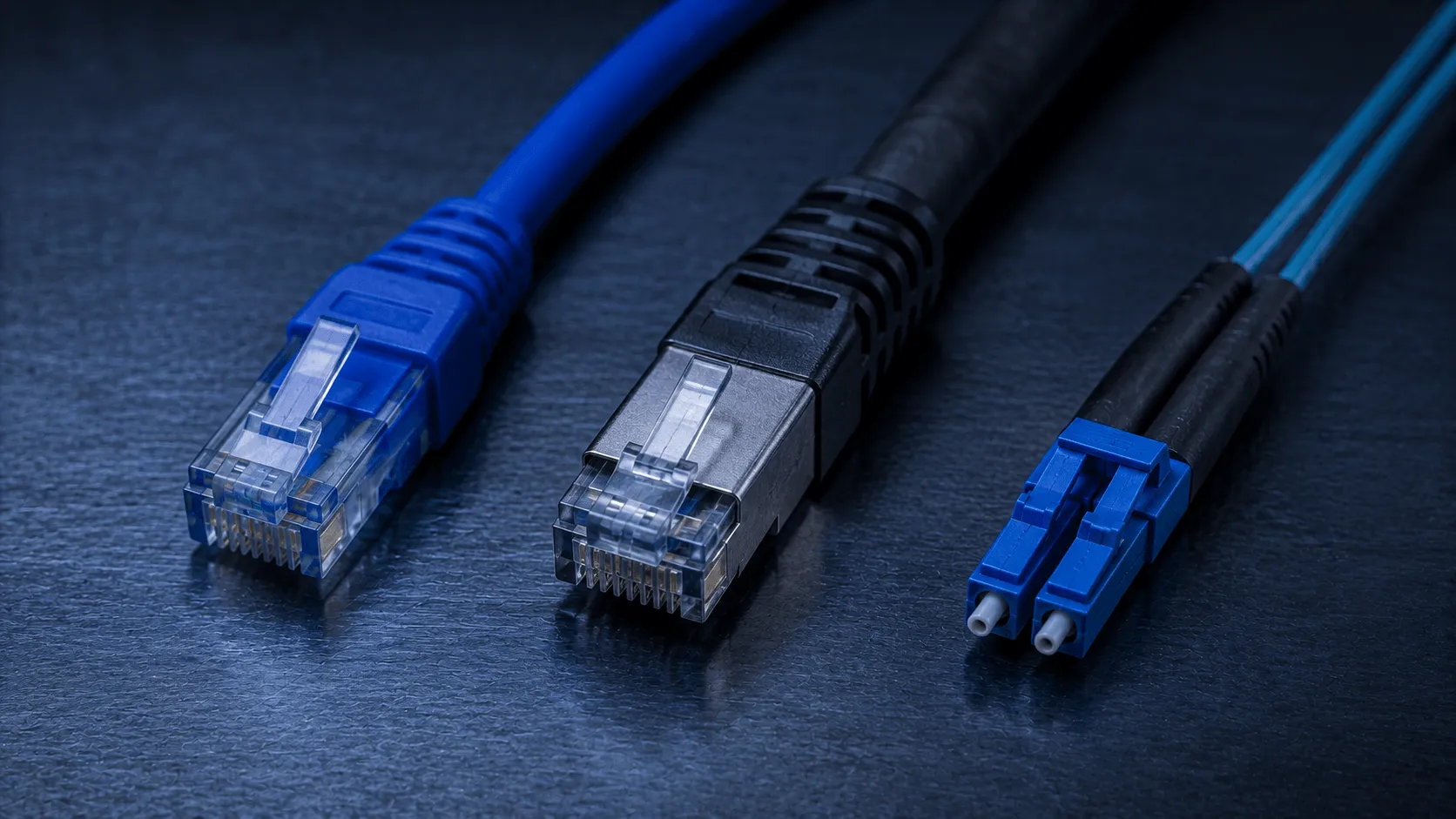
CAT6 vs CAT6A vs fibre for commercial sites
When each cabling standard actually makes sense, based on distance, bandwidth and future-proofing rather than habit.

Networking and Connectivity
How to plan enterprise Wi-Fi coverage
Access-point placement, capacity and interference planning that actually holds up once the office fills with people and devices.
Questions
Frequently asked questions
CAT6A suits higher-bandwidth runs and longer cable lengths than CAT6; fibre is used for backbone links between floors, buildings or racks where distance or interference rules out copper. The right choice depends on distances and future bandwidth needs, assessed during the site survey.
Through a heatmap survey after deployment, measuring signal strength and capacity across the actual floor plan rather than assuming coverage from access-point placement alone.
Yes. Networks are commonly upgraded floor by floor or site by site against a documented standard, so disruption is contained and each phase is validated before the next begins.
Through VLAN segmentation and firewall policy, so each traffic class is isolated and a compromise in one segment does not expose the others.
As-built network diagrams, a VLAN and IP addressing reference, cable labelling schedule and Wi-Fi coverage report.
Request a network assessment
Tell us the site, the constraint or the outcome you need, and we will come back with the right next step.